1. package.json 작성

{
  "name": "socket.io_chatting",
  "version": "1.0.0",
  "description": "",
  "main": "server.js",
  "dependencies": {
    "express": "^4.13.4",
    "socket.io": "^1.4.5"
  },
  "devDependencies": {},
  "scripts": {
    "test": "echo \"Error: no test specified\" && exit 1",
    "start": "node server.js"
  },
  "author": "",
  "license": "ISC"
}

2. 원하는 폴더에 "npm install"

3. 웹 채팅 소스 다운받아 해당 폴더에 넣기
다운로드 ->  https://github.com/imtaekh/socket.io_chatting/tree/6be57b967e3aa427c09ca80bc5f9662091a2aff3
해당 폴더 목록 아래

4. 서버 실행 "node server.js"

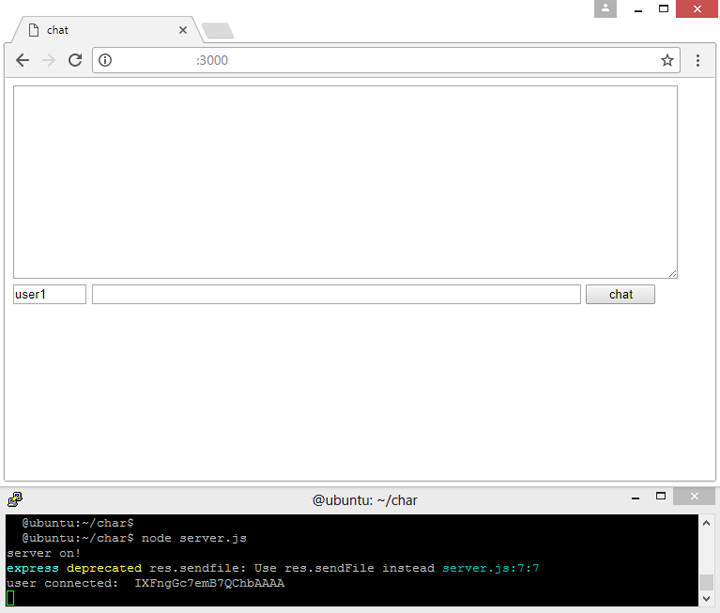
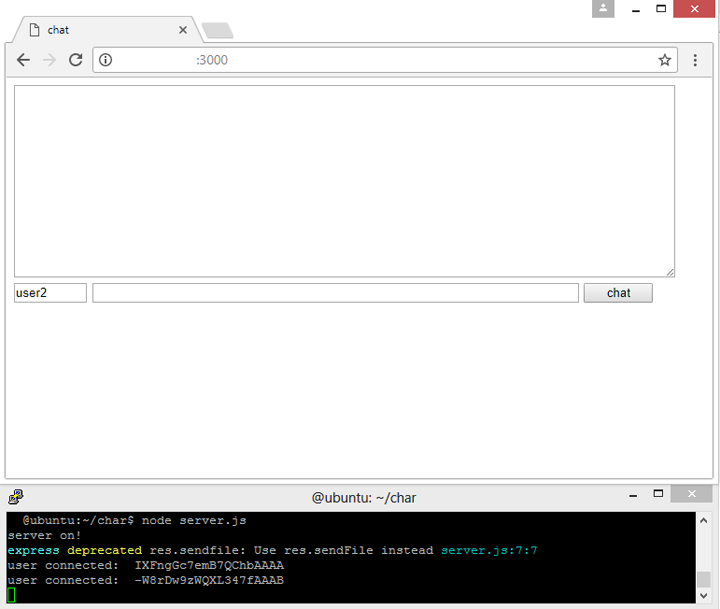
5. Web page
- 첫번째 사용자 ( user1 ) 의 접속
- 두번째 사용자 접속 ( user2 )
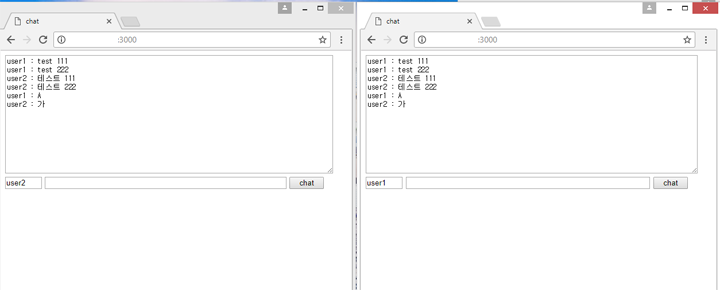
6. Web page 채팅
run node background
node example.js > /var/logs/node_example.log &

최근 더 쉬워진 내용 chat 만들기

https://socket.io/get-started/chat